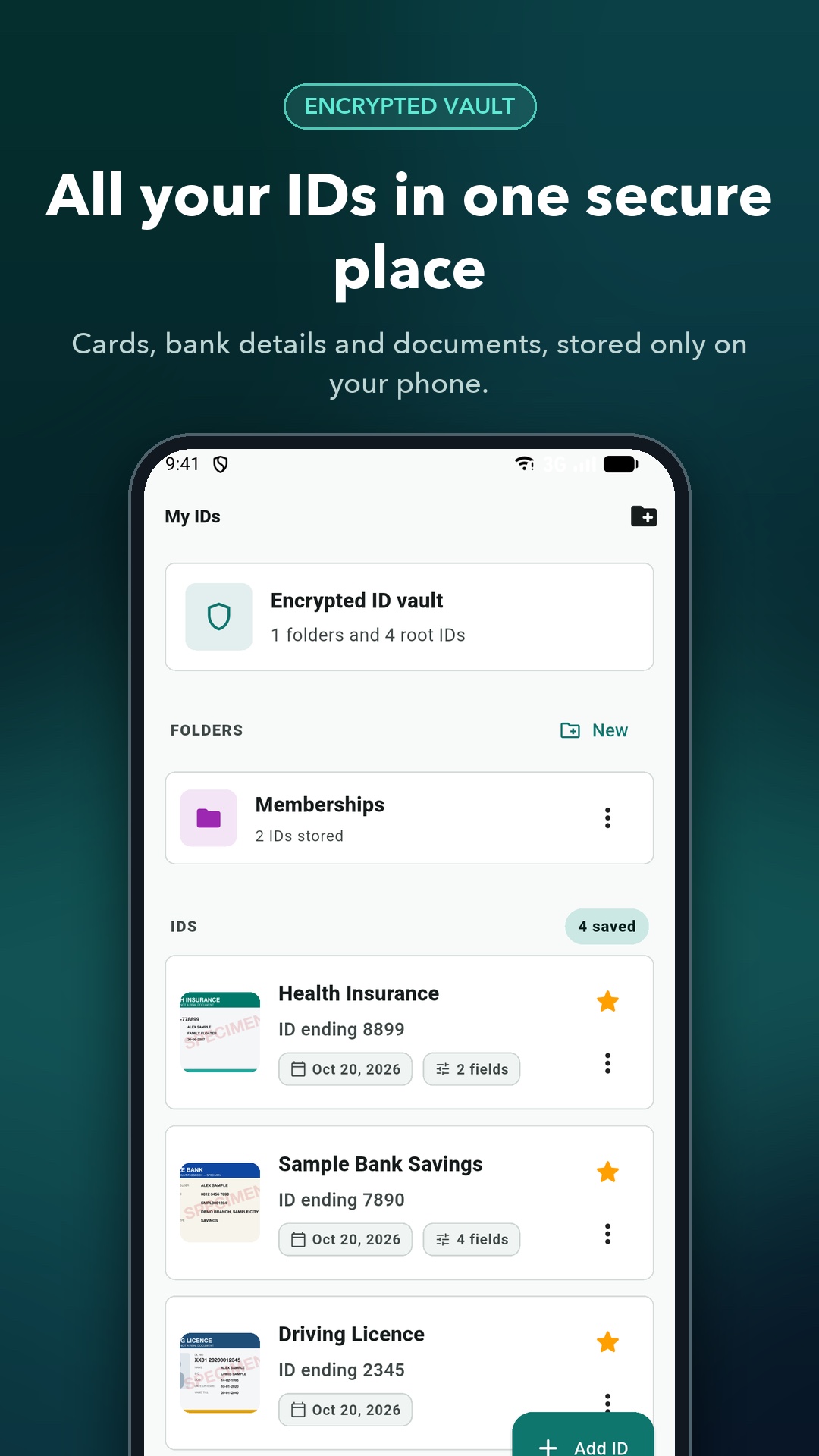
Everything your wallet holds, in one safe place
Built for the documents you reach for most, and the ones you can never find when you need them.
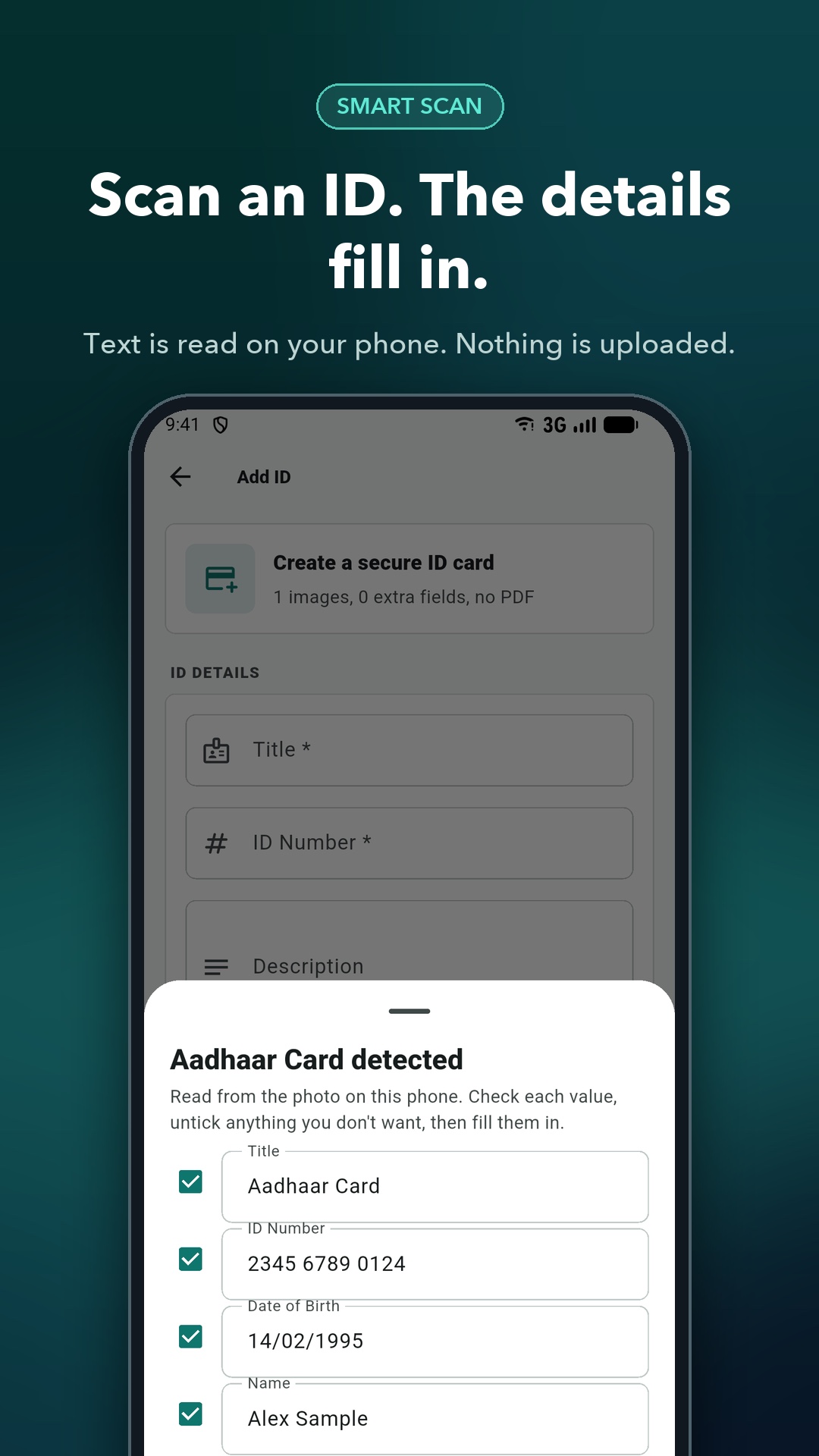
Scan an ID and the details fill themselves in
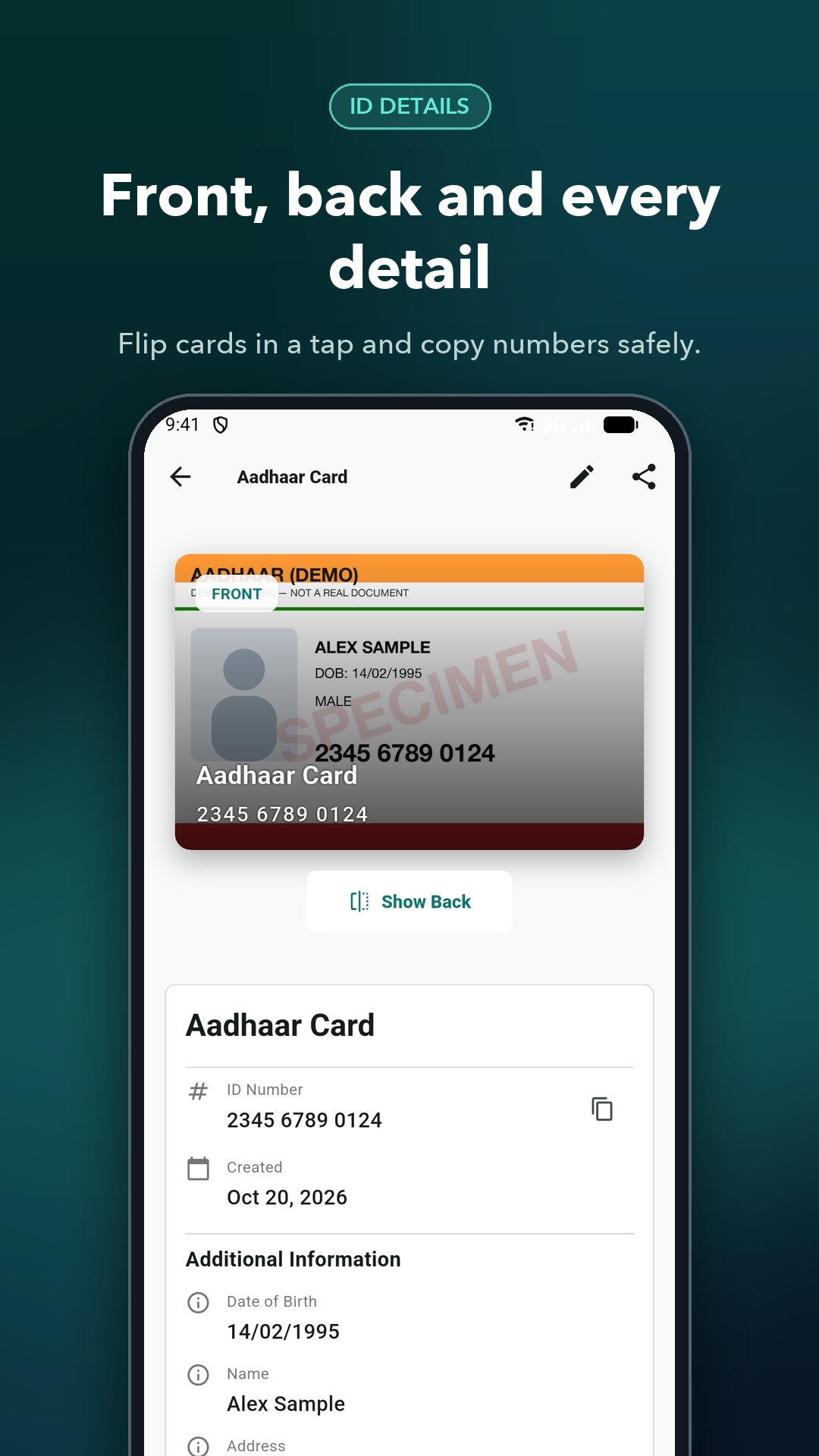
Take a photo or pick one from your gallery. Pocket ID reads the text on your phone and suggests the title, ID number, name, date of birth and address. You check each value before it is saved.
- Aadhaar, PAN, driving licence, voter ID and passport
- Reads the front and the back
- Nothing is uploaded
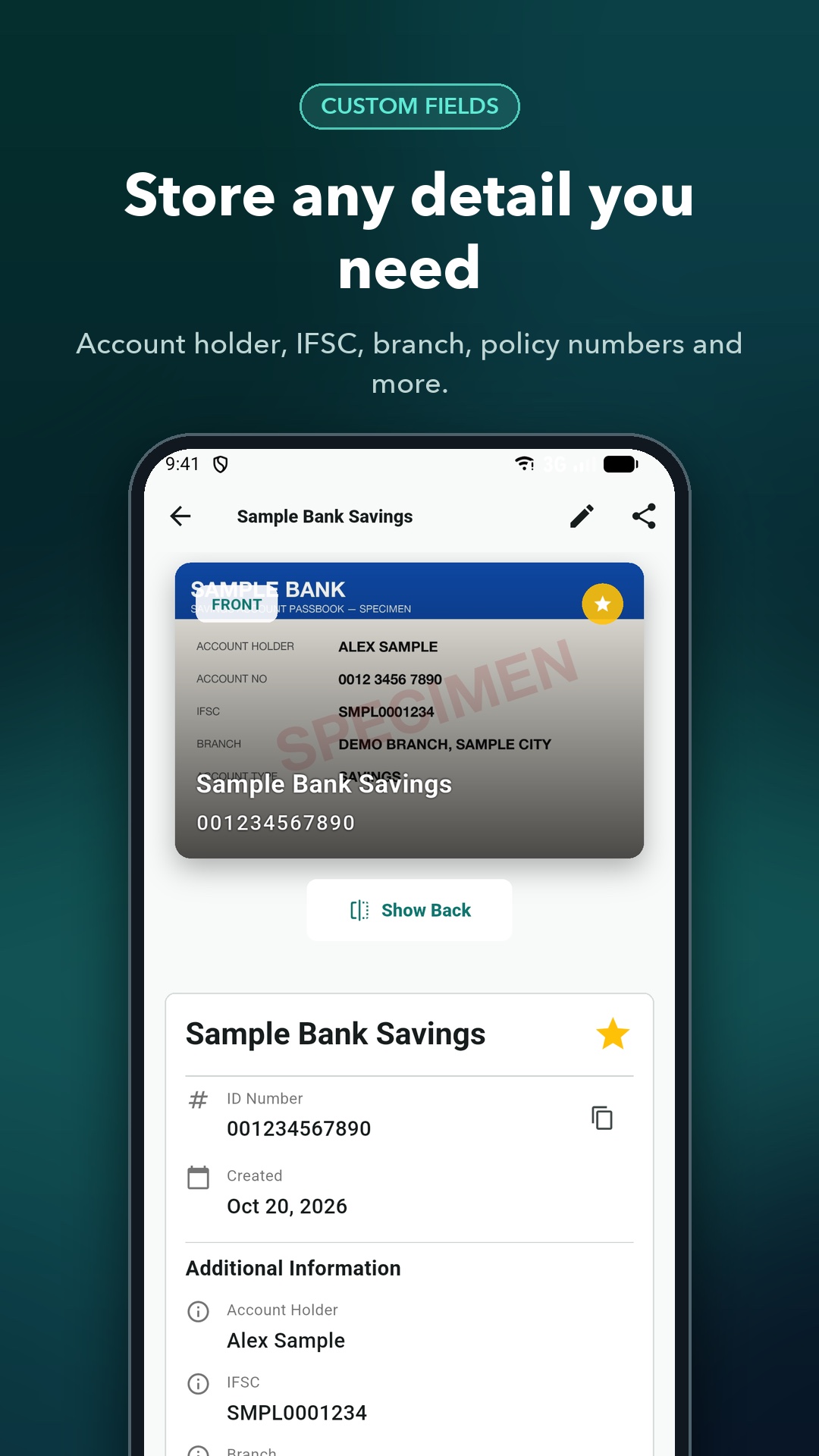
Store any detail, not just a number
Add your own fields to any card: account holder, IFSC and branch for a bank account, policy number for insurance, plan for a membership.
- Front and back photos
- Attach a supporting PDF
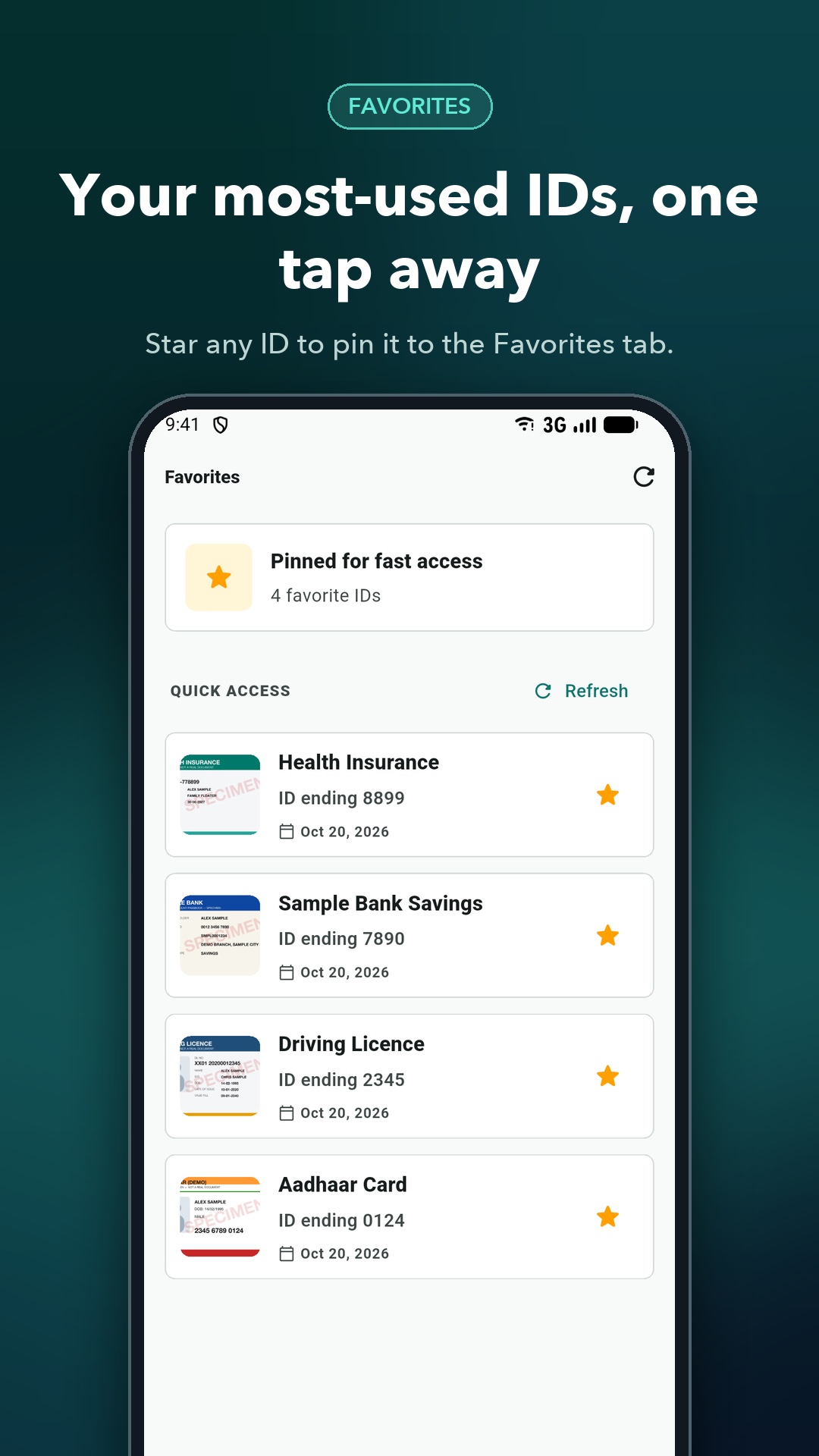
- Folders and favorites
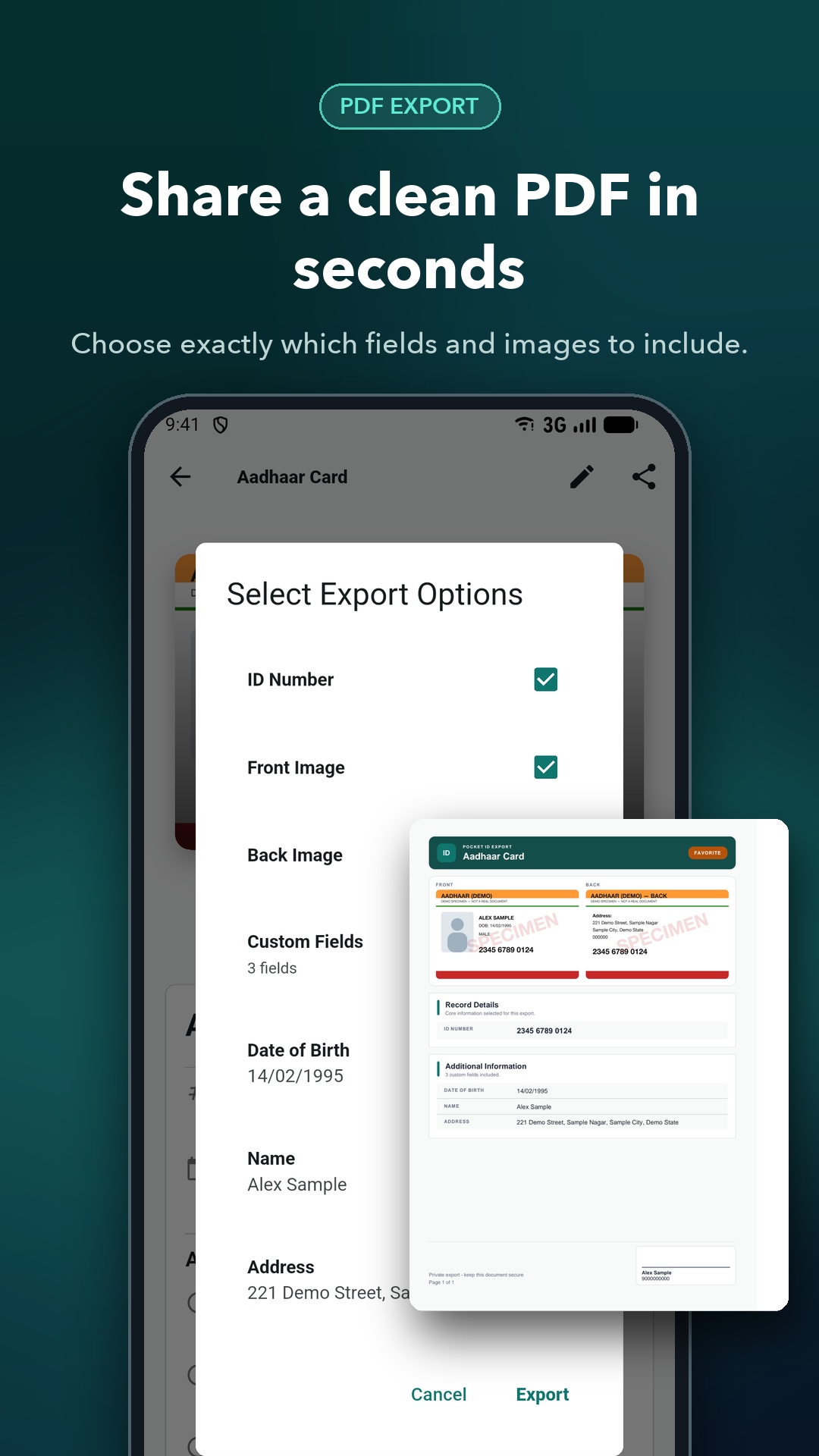
Share a clean PDF in seconds
Export any ID as a tidy one-page PDF with both images side by side. Choose exactly which fields to include, and add your name and phone number as a signature.
- Pick fields and images per export
- Share through any app or print
- Export images on their own
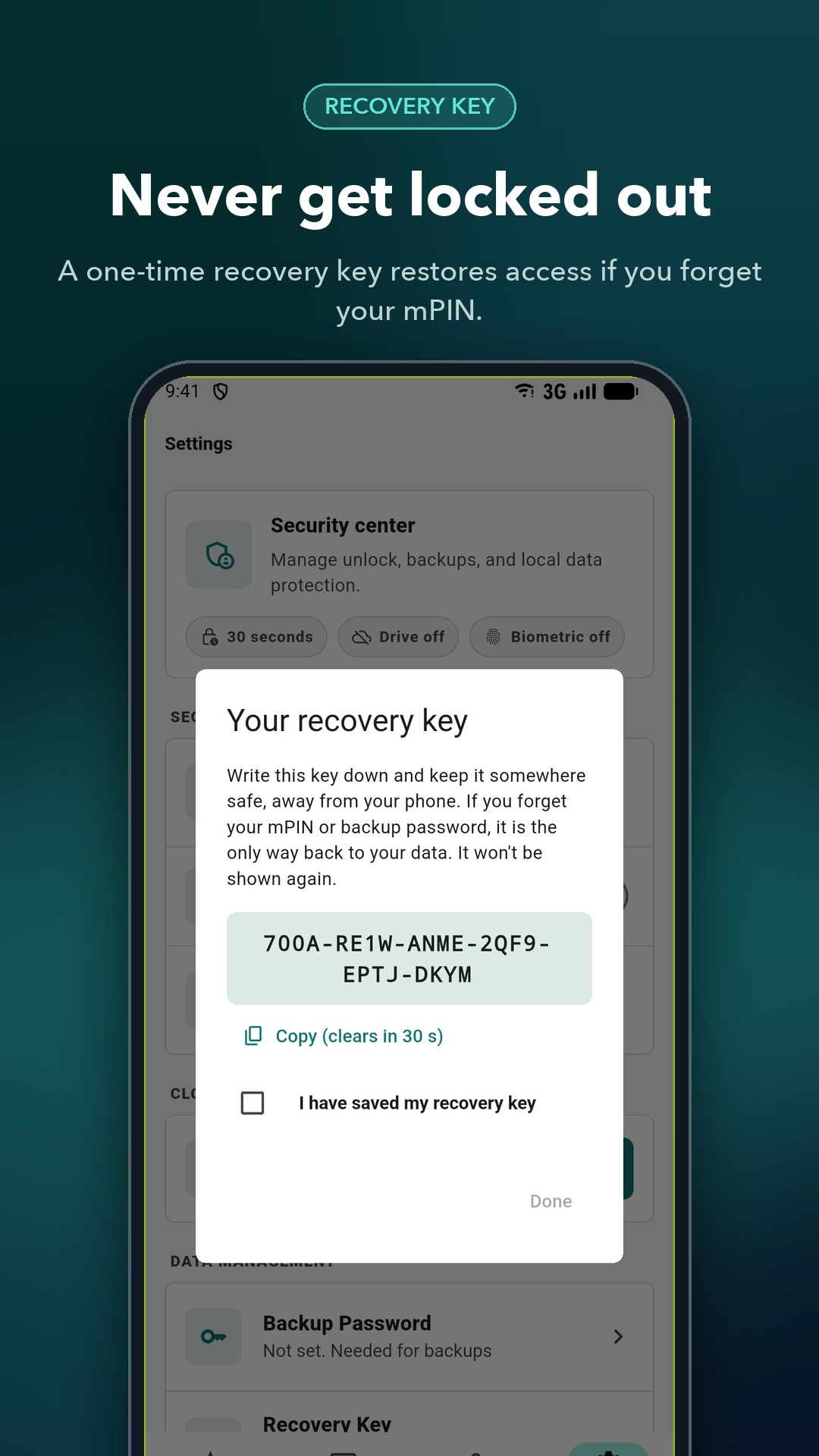
Never get locked out
Create a one-time recovery key in Settings. If you forget your mPIN, the key is the way back to your data. It is shown once, so write it down somewhere safe.
- Confirm with your mPIN to create it
- Copy button clears the clipboard in 30 seconds
- Also unlocks password-protected backups
See it in action
A one-minute tour: scanning an Aadhaar card, adding a bank account, exporting a PDF and creating a recovery key.
All documents shown are sample data marked SPECIMEN.
Packed with thoughtful details
Smart scan
On-device text recognition fills in ID details from a photo.
Custom fields
Add any label and value: IFSC, policy number, blood group.
PDF export
One-page PDFs with the fields and images you choose.
Colour folders
Group bank, travel and health documents your way.
Favorites
Pin the IDs you use most to their own tab.
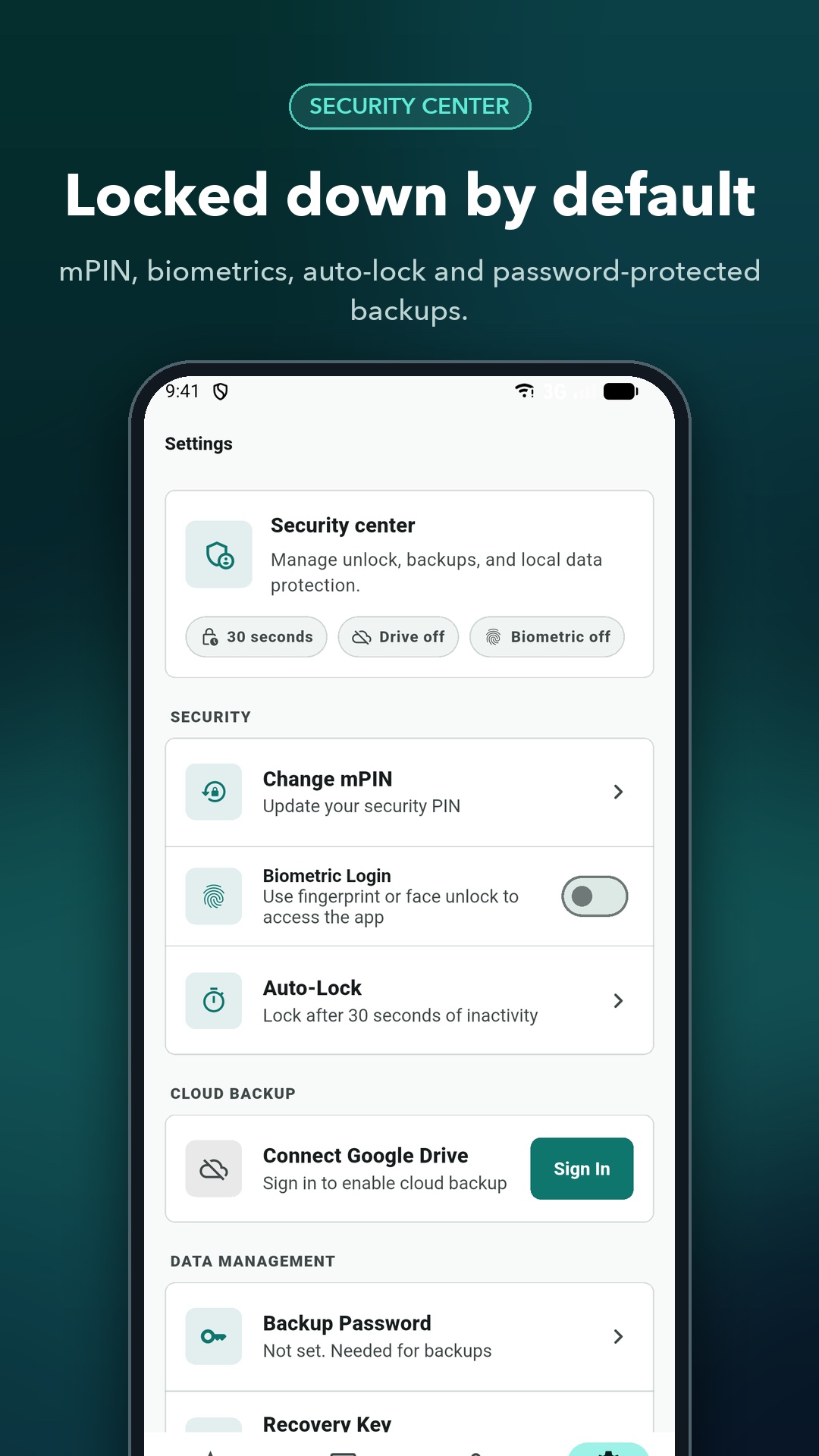
4 or 6 digit mPIN
Your mPIN unlocks the app and derives your encryption key.
Biometric unlock
Open the vault with your fingerprint or face.
Auto-lock
Locks after 30 seconds to 10 minutes of inactivity.
Encrypted backups
Back up to a file or your own Google Drive, locked with a backup password.
Safe copy
Copied ID numbers are cleared from the clipboard after 30 seconds.
Screenshot protection
Screenshots and screen recording are blocked inside the app.
Works offline
No account, no sign-up. Everything works without internet.
A closer look
How your data is protected
Encryption happens on your phone, with a key only your mPIN can produce.
- 1
You set an mPIN
A 4 or 6 digit PIN. It is never stored anywhere; a wrong mPIN simply cannot decrypt your data.
- 2
A key is derived on your phone
PBKDF2 with HMAC-SHA256 and 100,000 rounds turns your mPIN into a 256-bit key.
- 3
Everything is encrypted
ID details, custom fields and images are sealed with AES-256-GCM, with a fresh IV every time.
- 4
Backups stay locked
Backups use a separate backup password and 600,000 PBKDF2 rounds before they leave the app.
No servers
Your data never touches our infrastructure
No account
No sign-up, email or phone number needed
No ads or trackers
No analytics SDKs inside the app
No data selling
We never see your data, so we can't sell it
What you can store
Smart scan recognises the common Indian IDs and passports. Anything else works with a title, a number and your own fields.
Frequently asked questions
What is Pocket ID?
Pocket ID is a free Android app by CloudUnity that keeps your Aadhaar, PAN, driving licence, passport, bank details and other cards in one encrypted vault on your phone. It works offline, needs no account and has no ads.
Where is my data stored?
Only on your phone, in an encrypted local database. Pocket ID has no servers and no account system, so your data goes nowhere else unless you create a backup.
Does the scan send my ID photo anywhere?
No. Text recognition runs on your phone with Google ML Kit's on-device model. The photo and the text it finds never leave the device.
What happens if I forget my mPIN?
If you created a recovery key in Settings, use it to get back in and set a new mPIN. Without a recovery key, or a backup and its backup password, the data cannot be decrypted by anyone, including us.
How do backups work?
Set a backup password, then export a backup file or connect your own Google Drive. Backups are encrypted with your backup password before they are written. Pocket ID can only see the files it creates in your Drive.
Are there ads or tracking?
No. The app has no ads, no analytics SDKs and no trackers.
Which devices are supported?
Pocket ID is available for Android phones and tablets on Google Play.
Put your wallet in your pocket
Download Pocket ID and keep every ID encrypted, organised and ready when you need it.
Get it on Google Play